Skinny Jean Download

Squeeze into almost anything.

Skinny Jean

Your PDF is 40 MB. The upload limit is 10. Set the target size you need, drop your file on the widget, and get it back lean, sharp, and ready to send — with your words still crisp and your links intact.

macOS 13+ Universal binary No subscription 100% on-device

2 MB

target size

quarterly-report.pdf

40.0 MB 1.95 MB

Drag out or reveal

01 — Why

We’ve all had a file that’s just a little too thick.

You finish a pitch deck, a signed contract, or a legal packet. You drag it over to upload, and the portal kicks it right back: “File size exceeds 10 MB.” Your PDF is sitting at 40.

Every gate has its own strict dress code. Client portals cut off at 10. Job applications want 5. Legal filings vary wildly — some as low as 10. Meanwhile your document is carrying high-resolution photography and detailed layouts that make it impossible to squeeze through.

Most compressors take a blunt approach: they squeeze the life out of the whole document until crisp headlines turn to blurry soup, and you get no say in how tight the fit will be. The free web tools want your private work uploaded to a stranger’s server first.

Skinny Jean is the tailored fix. You tell it the ceiling you have to hit. It takes the weight out of the imagery and leaves your type, links and vector art alone. No stress, no guesswork — just the fit you asked for.

02 — How it works

Three seconds of work. Problem solved.

01

Set your fit

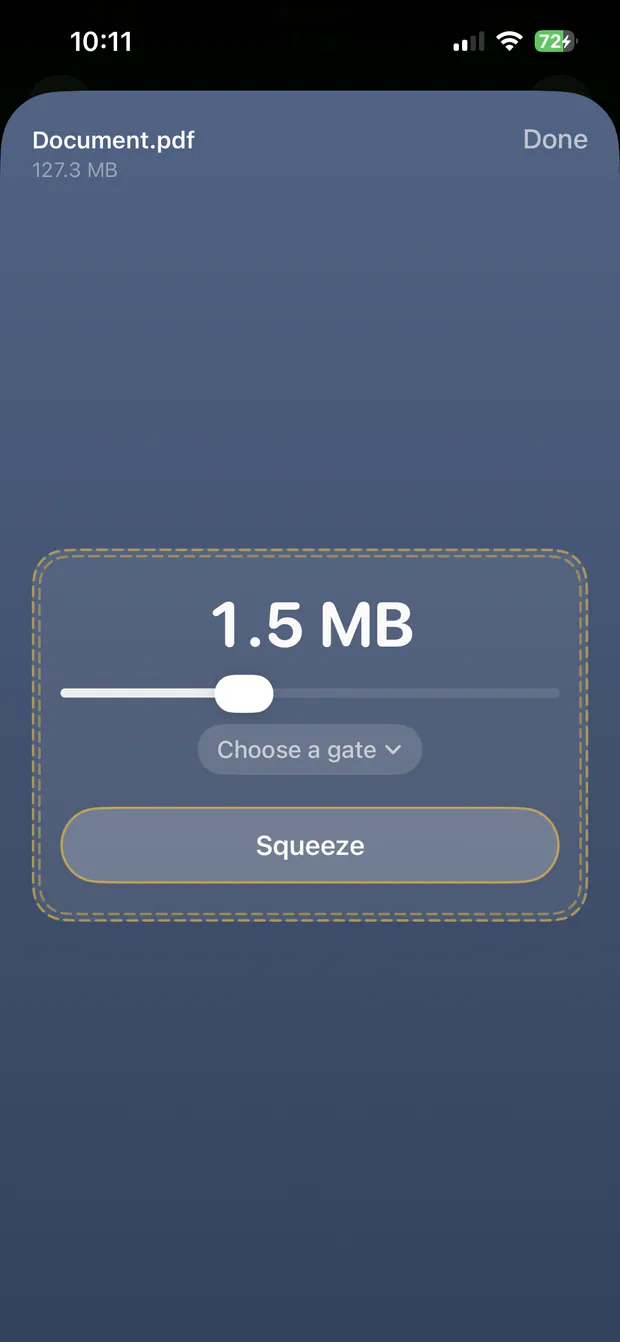
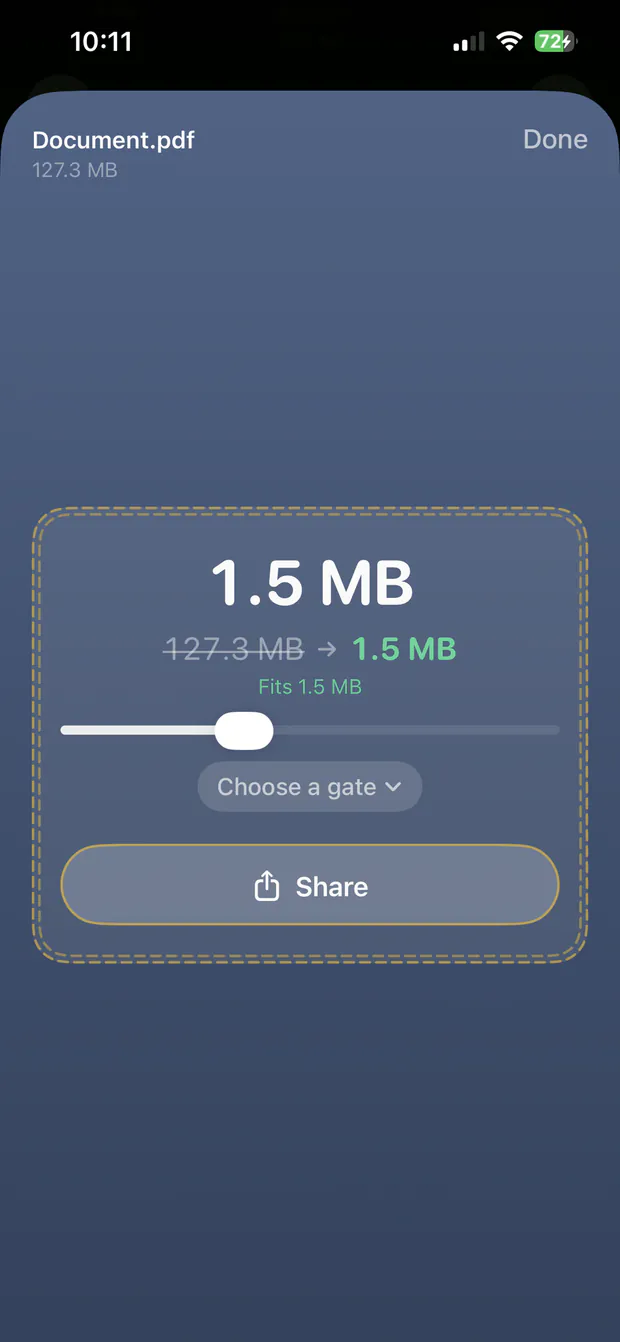
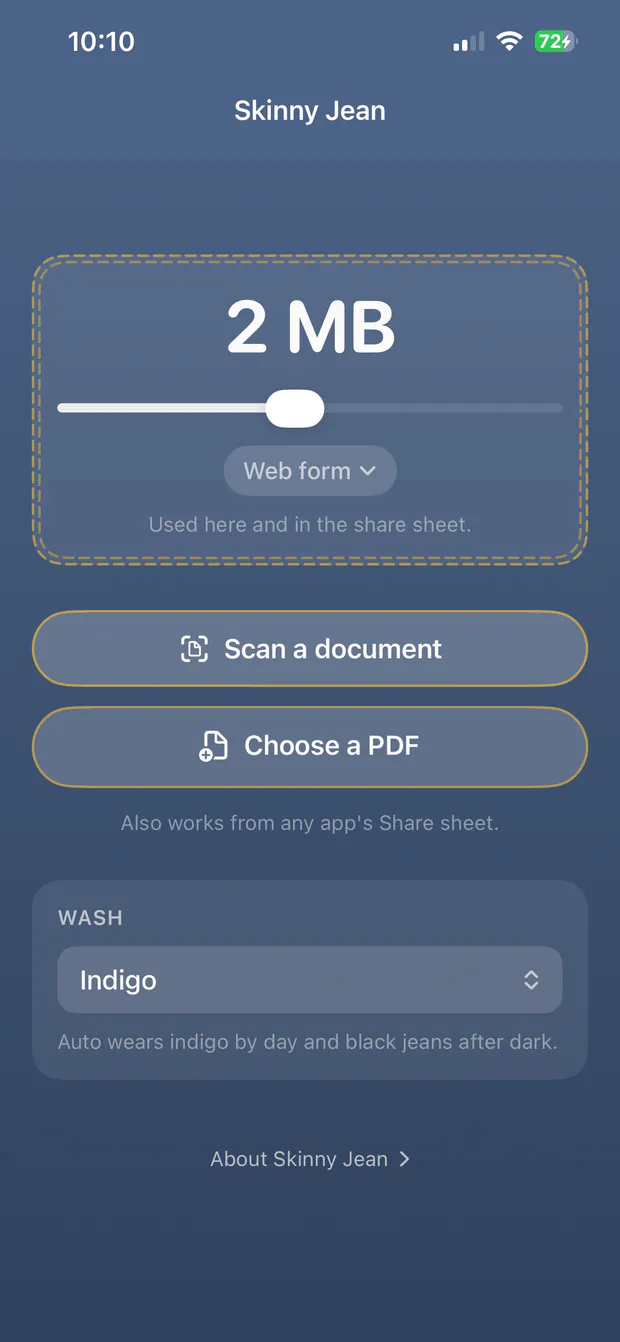
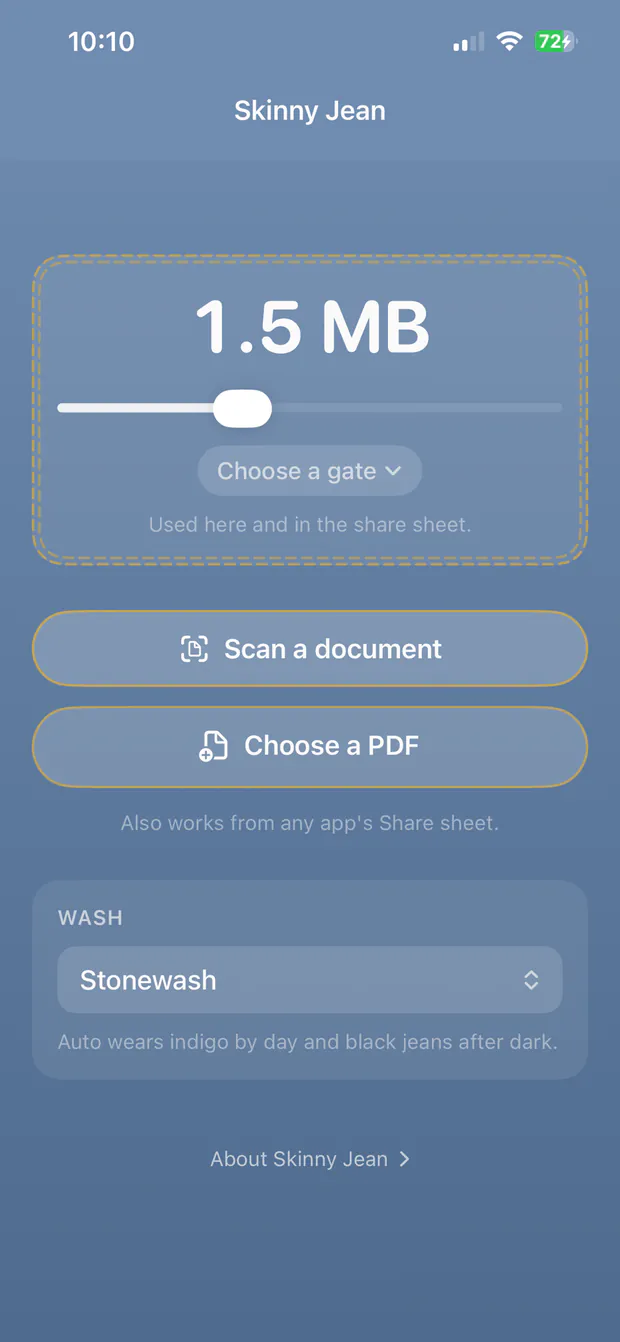
Pick a quick preset — web form, job application, immigration, email, e-filing — or drag the slider anywhere from 100 KB to 50 MB. It remembers where you left off.

02

Drop the PDF

Toss one deck onto the widget, or drop a whole batch. You can also right-click any PDF in Finder and hit Compress with Skinny Jean without opening an extra window.

03

Slide right in

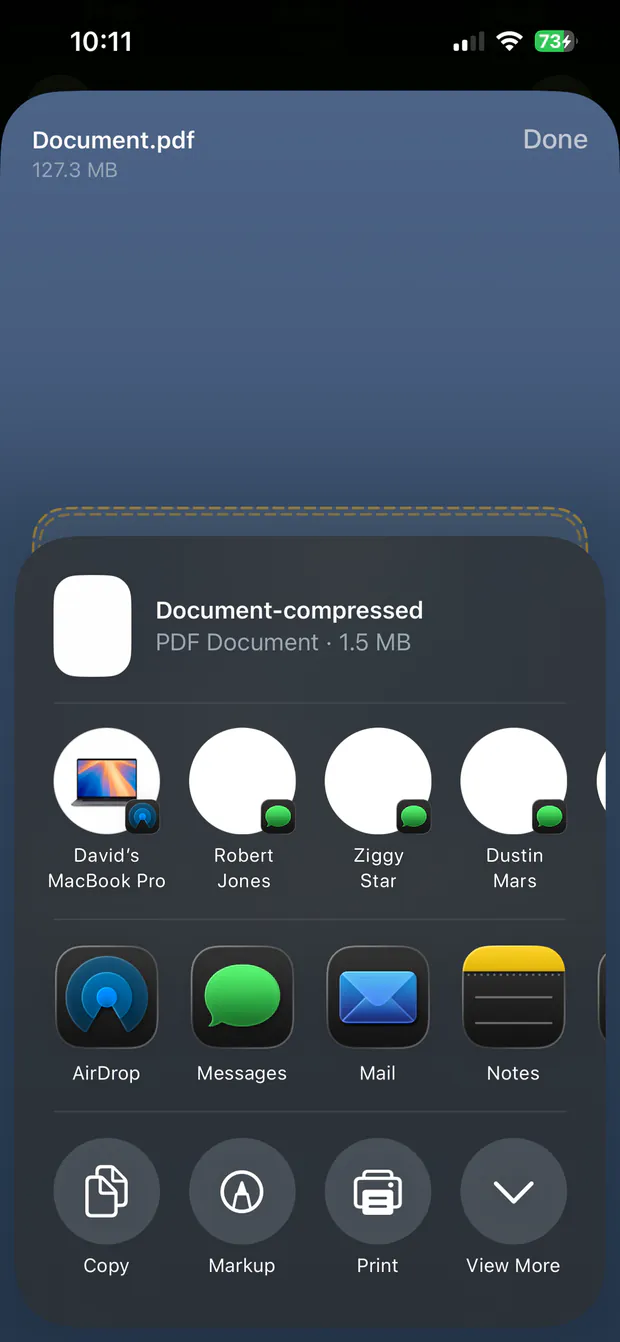
Pull the finished file straight out of the widget and into the upload box that started all this. A backup copy lands safely in your Downloads folder, and your master original is never touched.

03 — Craftsmanship

Most of the work is in what it refuses to ruin.

Aims for your exact number Core

There is no low/medium/high toggle. Skinny Jean tries about twenty quality and resolution combinations and keeps the best-looking one that still fits. In testing it lands between 93% and 100% of the target — using the room you have without going over. Move the slider afterwards and it will run the same file again at the new number, so you can compare.

Your text stays text

Only the embedded imagery is downsampled. Words stay searchable and selectable, and hold up at 400% zoom. A compressed contract is still something a client can highlight and copy a clause out of.

Links and forms survive Rare

Most tools shrink a PDF by flattening every page into a picture, which wipes out bookmarks, clickable URLs and signature fields. You find out when a client can’t sign the thing. Skinny Jean puts them back.

Won’t fit? It splits.

Some files carry too much to make weight in one piece. Skinny Jean divides those into the fewest numbered volumes that each slide under the gate, with the text intact. You wanted through the gate, not one small file.

Drag the result straight out

The upload field is already open in your browser — that’s why you’re here. Drag the finished PDF out of the widget and into the form. No trip through Finder.

Scans and rotated pages

Phone captures and flatbed scans usually carry a rotation tag. Handled naively it defeats image downsampling entirely, costing enormous quality for the same file size. Skinny Jean corrects the orientation first, so a rotated page compresses as well as an upright one.

Four denim washes New

Indigo, Black, Stonewash and Raw Denim. Or leave it on Auto, which rocks indigo during the day and black jeans after dark to match your Mac’s appearance.

Honest boundaries

A page of pure line art has almost no imagery to compress, so it cannot reach a very small target without being rasterized. Skinny Jean says so upfront rather than handing back a flattened page and letting you find out later.

Nothing leaves your Mac Private

No servers, no telemetry, no account. Whatever you drop on it is handled by your own machine — which is the whole point for anything you are not allowed to upload in the first place.

04 — Pricing

Buy it once. That’s the whole arrangement.

A dedicated Mac utility shouldn’t charge rent. No recurring subscriptions, no locked “Pro” tiers, and no ads. One purchase gives you the complete tool on all your Macs.

$9.99

One-time purchase on the Mac App Store

  • Every feature included out of the box
  • Runs on every Mac linked to your Apple Account
  • Future updates included
  • No subscriptions, ever

05 — Questions

Frequently asked questions

Will my text still be selectable?

Yes. Skinny Jean compresses the photos and scans embedded in the PDF, not the page itself. The type and vector artwork are left alone.

The one exception is a file that can only reach a very small target by flattening pages into images. That is a last resort, it is labeled as such in the results, and it only happens when nothing else would fit.

Can I try a different size without starting over?

Yes. After a file is done, move the slider and the widget offers to run the same file again at the new number — no hunting for the original and dragging it back in.

It is worth doing. The compressor picks a different combination of resolution and quality for each target, so 1.9 MB and 1.5 MB are not just different sizes, they are different-looking pages. Below 2 MB the slider moves in tenths so you can walk it in.

Two neighbouring targets will occasionally hand you an identical file. That is the search being honest — both landed on the same setting — rather than anything going wrong.

Do hyperlinks and form fields survive?

Yes — fillable form boxes, active links, annotations and bookmarks all carry over. You won’t have to worry about clients receiving dead links or locked forms.

This is worth asking of any PDF compressor. Flattening a page still looks right, so the loss goes unnoticed until someone tries to click a link or sign a form.

Why does the Gmail preset aim at 18 MB instead of 25?

Because email attachments are base64-encoded behind the scenes, inflating their size by about 33% when sent over the wire. An 18 MB file reliably slides under Google’s 25 MB ceiling after encoding, without getting bounced or converted to a Drive link.

Outlook is deliberately not folded into the same preset. Microsoft’s default is 35 MB for sending and administrators can raise it to 150 MB, so a target sized for Gmail would be needlessly small there. Use the slider.

What if a file simply cannot reach my target?

Skinny Jean first tries splitting the document into clean, readable parts that each meet the size limit. If it still can’t make weight without altering the document structure, it lets you know upfront — you get the smallest version it could produce intact, with a note that it fell short.

This is usually a document that is mostly vector artwork rather than photographs. There is simply less to compress in a page of line art than in a page of camera images.

Does it touch my original file?

Never. Skinny Jean writes a new yourfile-compressed.pdf directly to your Downloads folder, keeping your master file pristine and untouched. If that name is taken, it numbers the new one rather than overwriting anything.

Does the court e-filing preset match my court?

Maybe — check before you rely on it. There is no single limit for electronic filing; every court sets its own, and the spread is enormous. The preset is set conservatively at 10 MB, which is the strictest common ceiling we found, so a file that fits it should clear most systems.

For scale: the Second Circuit caps a single PDF at 10 MB, eFileTexas and eFileCA at 25 MB, the Northern District of Georgia at 30 MB, the Central District of California at 35 MB, Florida’s ePortal at 50 MB, and NYSCEF at 100 MB. Across all federal courts the range runs from about 3 MB to 200 MB.

If your court is more generous, use the slider — there is no reason to compress further than you have to, and every megabyte you give back is image quality you keep.

Why Downloads, and not next to the original?

Because Mac App Store apps run in Apple’s sandbox. Dropping a file grants the app access to that one file, not to the folder it came from, so writing a sibling next to it isn’t permitted.

Downloads is the one folder an app can be granted outright, which keeps a drop to a single gesture with no save dialog in the way.

Does it work on scanned documents?

That’s the case it handles best — scans are almost entirely images, which is exactly what there is room to compress. A 200 MB scan can come down to a couple of megabytes and still be perfectly readable.

Is my document sent anywhere?

No. There is no network code in the app at all. Everything happens on your Mac, which is what makes it usable for material you are not allowed to upload to a website in the first place.

Which Macs does it run on?

Any Mac running macOS 13 Ventura or later. It ships as a universal binary, so it runs natively on both Apple silicon and Intel machines.

Can I compress password-protected PDFs?

Not while they are locked. Skinny Jean refuses them rather than handing back a blank document, which is what would otherwise happen. Remove the password first, then compress.

06 — Privacy

Your documents never leave your Mac.

Skinny Jean does not collect, transmit, or store any personal information. It is a utility that runs entirely on your computer.

Last updated: August 26, 2026

1. Zero data collection

We do not collect, harvest, store, sell, or transmit your personal data or the contents of your documents. HoneyWired operates no servers for this app and has no way to see what you compress.

2. No network access

The app makes no network connections of any kind. It is not granted the sandbox’s network entitlement, so it could not reach the internet even if it tried. PDFs you drop on Skinny Jean are processed entirely on your own Mac. Nothing is uploaded, and nothing needs to be.

The Privacy, Terms, Support and Home items in the menu bar hand a web address to your default browser, which loads it. Skinny Jean itself never opens a connection.

3. Your files

Compressed copies are written to your Downloads folder. Your original files are never modified, moved, or deleted. Temporary working files are created while compressing and removed as soon as the job finishes.

4. What is stored on your Mac

Only your own settings — the target file size, the named destination you last picked from the menu, the denim wash, the widget’s position on screen, and whether it floats on top — kept locally in macOS preferences. Deleting the app removes them.

5. No analytics, tracking, or advertising

There is no analytics SDK, no crash-reporting service, no advertising identifier, and no third-party code in the app.

6. Sandboxed by design

Skinny Jean runs in Apple’s App Sandbox. It can read the files you deliberately drop on it and write to your Downloads folder. It has no access to the rest of your disk.

07 — Support

Support

Found a bug, hit a file it couldn’t handle, or have an idea?

Email support@honeywired.com. You will get a reply from the developer, not an automated bot.

It helps to mention your macOS version, the app version from the menu bar dropdown, and roughly how large the PDF was and what was in it — scans, photographs, or vector artwork all behave differently.

08 — Terms

Terms & EULA

1. License

Skinny Jean is licensed, not sold, under the standard Apple End User License Agreement for use across Macs connected to your Apple Account. It is a one-time purchase with no recurring charges.

2. Your documents are your responsibility

Skinny Jean produces a compressed copy and leaves your original untouched. Compression is lossy by nature: images are reduced in quality in order to reach the size you asked for. You remain responsible for reviewing the output before you send, file, or submit it anywhere it matters.

3. Disclaimer

The app is provided “as is”. While considerable care has gone into preserving document fidelity, HoneyWired LLC is not liable for rejected submissions, missed deadlines, or losses arising from use of the app.

4. Acceptable use

Compress documents you have the right to compress. What you do with the output is between you and whoever receives it.

End User License Agreement

This application is licensed under the standard Apple End User License Agreement. By downloading this app, you agree to the Apple Standard EULA.

HoneyWired LLC reserves all rights not expressly granted to you.

HoneyWired® is a registered trademark of HoneyWired LLC. Apple, Mac, macOS, Finder and Preview are trademarks of Apple Inc., registered in the U.S. and other countries.

40.0 → 1.95 MB

Stop fighting the upload gate.

Download on the Mac App Store